

How to Turn an X (Twitter) Video Into a WhatsApp Sticker
Turn any public X (Twitter) video, GIF or meme into a WhatsApp sticker. Save the video, trim the best moment and make a sticker on iPhone or Android.
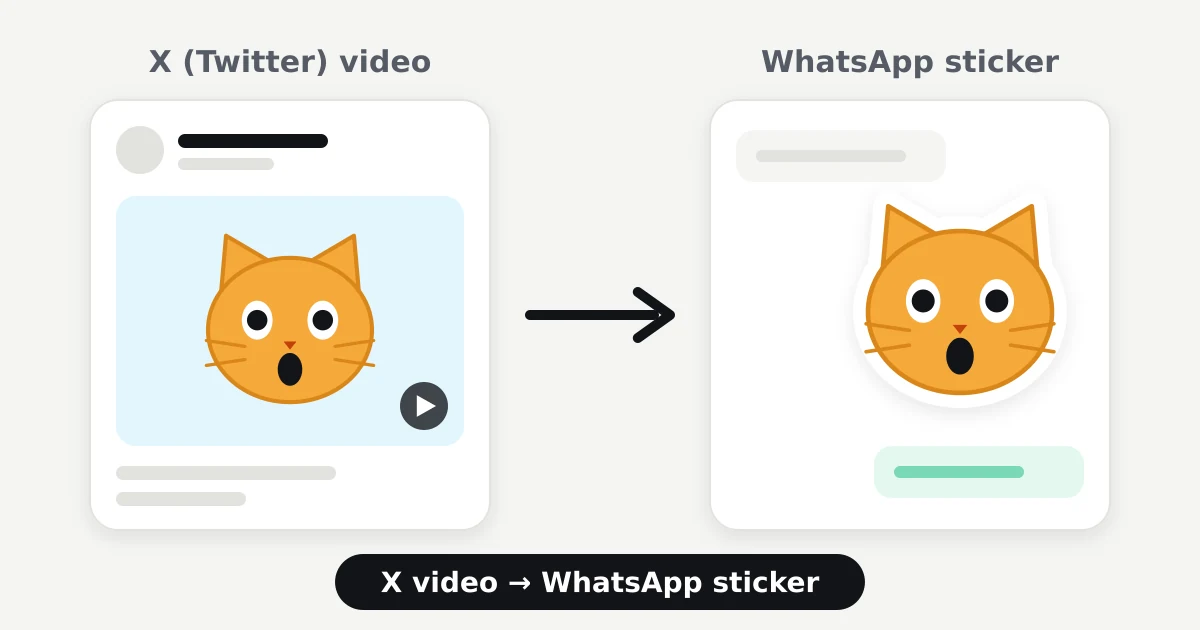
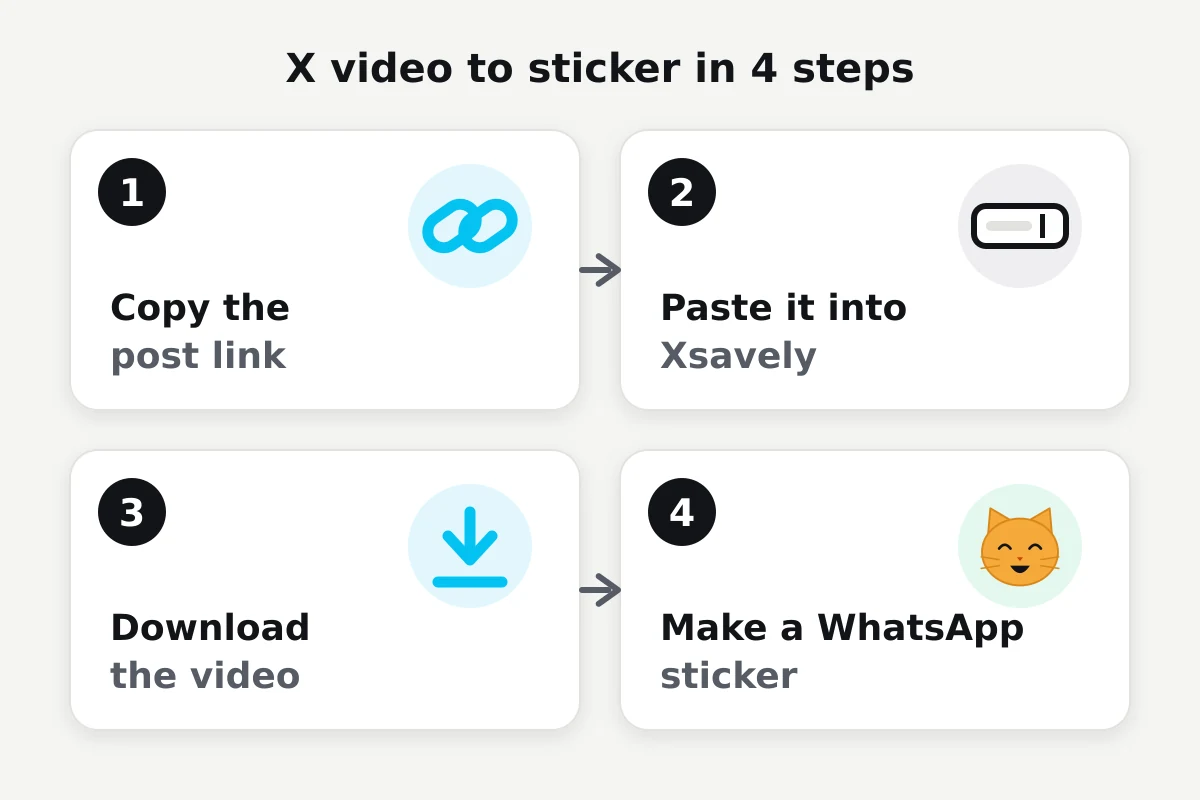
Yes, you can turn a video or GIF you saw on X (Twitter) into a WhatsApp sticker. It takes three steps: save the video to your phone, pick the few seconds worth keeping, then make the sticker with WhatsApp’s own sticker maker or a sticker app. For the first step, paste the post link into Xsavely.
1. Download the X/Twitter video to your phone
A sticker can only be made from a file in your gallery, and the X app has no save button for most videos.
- Open the post on X.
- Tap the Share icon.
- Choose Copy link.
- Open the Twitter video downloader in your browser.
- Paste the link into the box.
- Pick a quality. A medium one is plenty for a sticker.
- Save the video to your phone.
Can’t find the link? See how to copy an X video link. On iPhone the file lands in the Files app first; downloading X videos on iPhone shows how to move it to Photos.
Only public posts can be downloaded. And only download and reuse content you have the right to use or the owner allows.
2. Pick the part of the video you want as a sticker
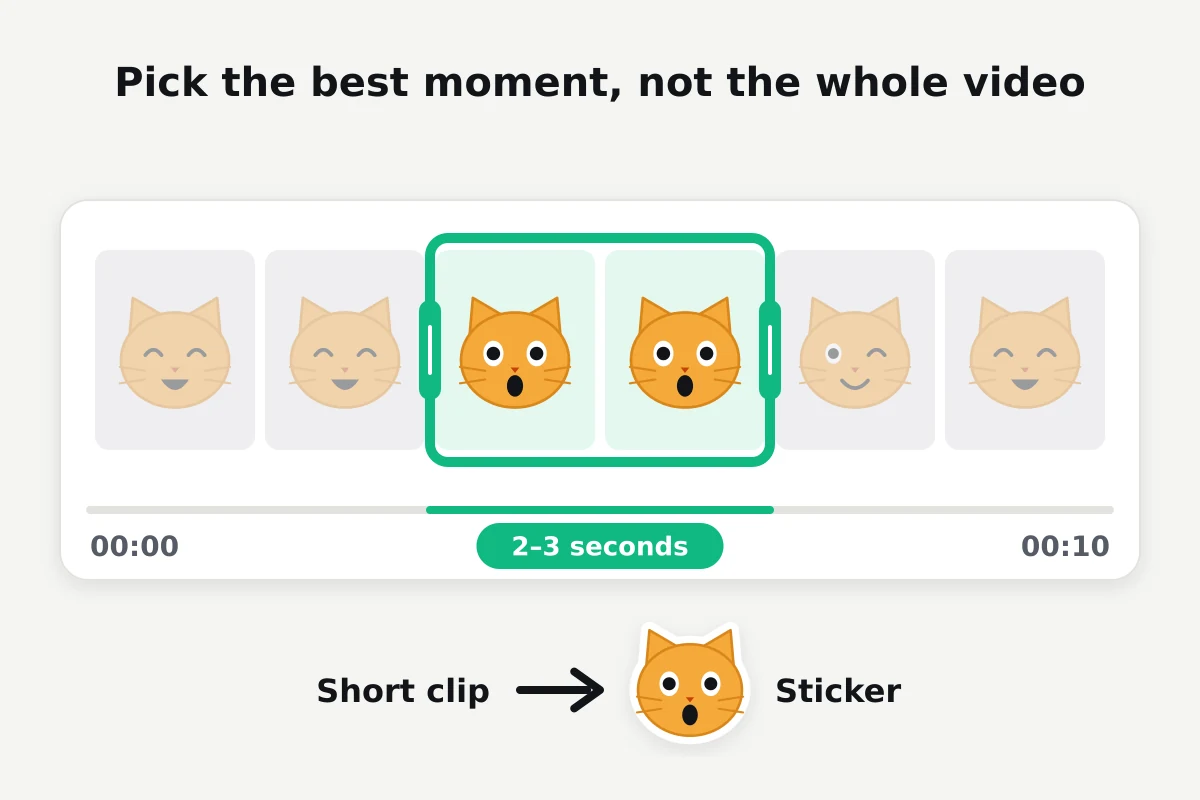
A good sticker shows one moment: a shocked face, the second the cat jumps, the punchline frame of a meme. A whole video doesn’t work.
Open the video in your gallery app, tap Edit and trim it down to 2–3 seconds. A short clip means a smaller file and a sticker that reads clearly in a chat.
Crop it close to a square too. Stickers are shown square, so a wide video leaves the face tiny.
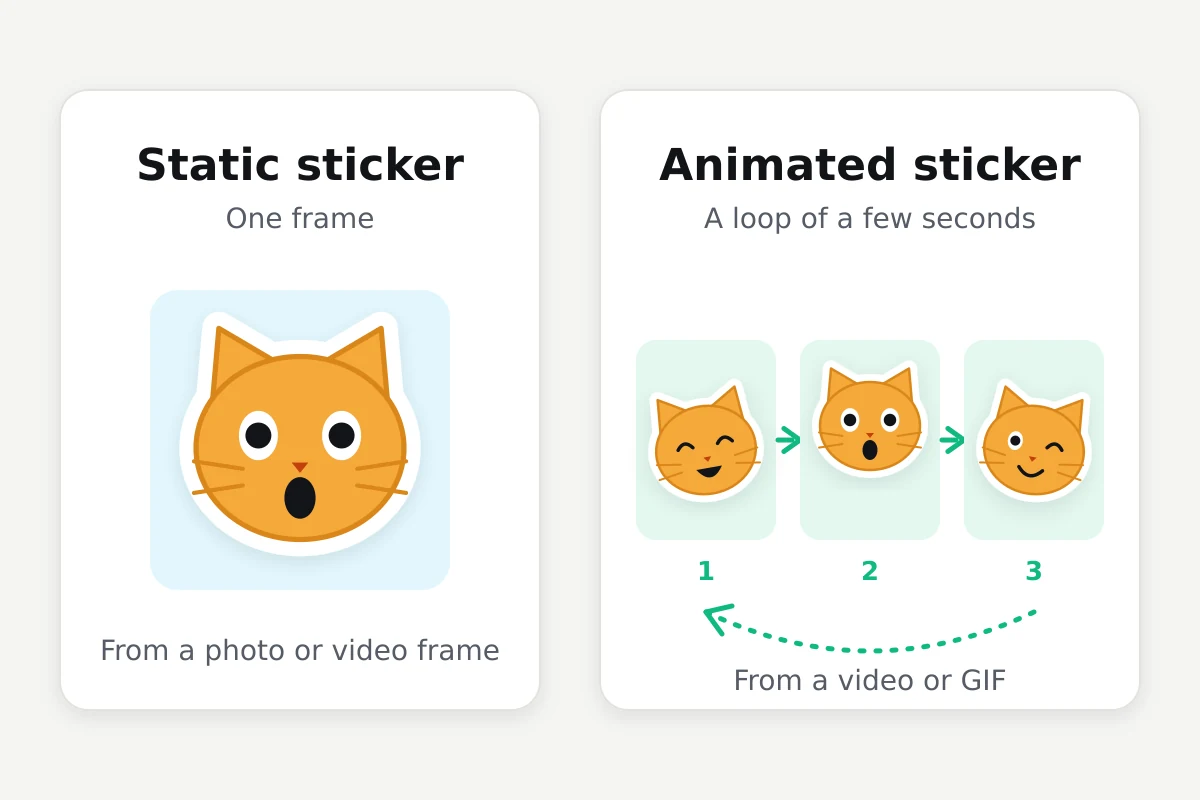
For a still sticker, just pause on the right frame and take a screenshot.
3. Turn the video into a WhatsApp sticker
There are two routes: WhatsApp’s built-in sticker maker and separate sticker apps. Option names and where they sit can differ with your WhatsApp version and device.
On iPhone
- In a chat, open the sticker tray and tap Create.
- Choose the frame you captured from the video.
- WhatsApp cuts out the background. Adjust the outline or add text if you like.
- Send it. The sticker is saved to your collection.
On iOS 17 and later you can also touch and hold the subject of an image in Photos and choose Add Sticker.
On Android
- In a chat, tap the emoji icon, then the sticker tab.
- Tap Create and pick the frame from your gallery.
- Crop, edit and send.
If the option isn’t there, update WhatsApp. If it’s still missing, a sticker app from the Play Store does the same job.
How to make an animated WhatsApp sticker from a Twitter video
An animated sticker needs the short clip itself, not a single frame. WhatsApp’s own tool may not accept video in every version, so a sticker app is the dependable route.
- Install an app that supports animated stickers, such as Sticker.ly or Sticker Maker.
- Create a new pack and choose your trimmed clip.
- Cut it to a few seconds and set the framing.
- Tap Add to WhatsApp.
The app converts the clip to the format WhatsApp expects. Some apps ask for at least three stickers before a pack can be added.
Don’t want another app? When sending the video in WhatsApp, trim it to under six seconds and switch on GIF. It isn’t a sticker, but it loops in the chat the same way.
Turning a Twitter GIF into a WhatsApp sticker
GIFs on X are really short, silent MP4 videos. So what you download is a video file, not a .gif.
That works in your favour. Save the file with the Twitter GIF downloader and follow the animated sticker steps above. GIFs are already short, so you often won’t need to trim at all.
Can I make WhatsApp stickers from memes on X?
Yes. If the meme is an image, touch and hold it on X, save it, and use Create in WhatsApp. For video memes, the steps in this guide apply as they are.
Text in a meme can end up too small to read. Stickers are shown small, so cropping to just the face or main subject gives a better result.
WhatsApp sticker size and format
These are the values WhatsApp publishes for sticker packs. Sticker apps and WhatsApp’s own tool handle them for you; if you prepare files by hand, check the current requirements.
| Static sticker | Animated sticker | |
|---|---|---|
| Dimensions | 512 × 512 px | 512 × 512 px |
| Format | WebP | Animated WebP |
| File size | Up to 100 KB | Up to 500 KB |
| Length | – | Up to 10 seconds |
In practice, clips of 2–4 seconds stay under the limit.
What to do if the sticker doesn’t work
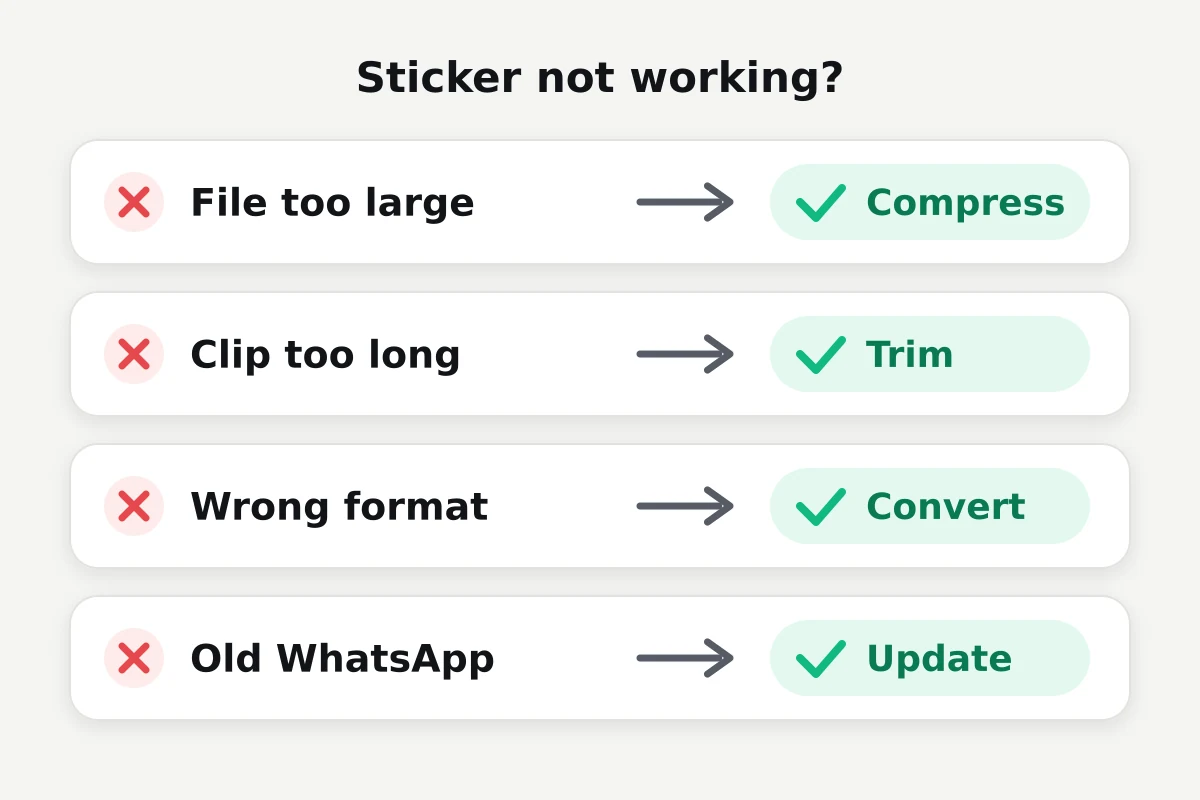
- File too large: Shorten the clip or download a lower quality.
- Video too long: Trim it to 2–4 seconds.
- Wrong format: An MP4 can’t be added as a sticker directly; let the sticker app convert it.
- WhatsApp is out of date: Update from the store. Older versions don’t have Create.
- Bad crop: Make the frame square and centre the subject.
- File didn’t save properly: If the video won’t open in your gallery, download it again. If the download fails, see why X videos won’t download.
- Animation doesn’t play: A sticker made from a still frame won’t move. Make it again from the clip.
- The sticker app won’t add the pack: Check the pack has enough stickers, or try a different app.
Frequently asked questions
Can I turn a Twitter video into a WhatsApp sticker?
Yes. Download the video to your phone, pick the short part you want, and turn it into a sticker with WhatsApp’s sticker maker or a sticker app.
Can I make an animated sticker from an X video?
Yes. Trim the clip to a few seconds and add it to WhatsApp with an app that supports animated stickers. The shorter the clip, the more likely the file is accepted.
Can a Twitter GIF become a WhatsApp sticker?
Yes. GIFs on X download as short MP4 videos. Save the file and follow the animated sticker steps.
How do I make a sticker from a Twitter video on iPhone?
Download the video in Safari and save it to Photos. For a still sticker, give a frame to Create in WhatsApp; for an animated one, use a sticker app from the App Store.
Can I make a sticker from an X video on Android?
Yes. After downloading the video, use Create in WhatsApp’s sticker tab or a sticker app from the Play Store.
Do I need an app to make a sticker?
Usually not for a still sticker; WhatsApp’s own tool is enough. Making an animated sticker from a video usually needs a separate sticker app.
Can I use only part of a Twitter video as a sticker?
Yes. After downloading, trim the 2–3 seconds you want with your gallery’s Edit tool and make the sticker from that short clip.
Does Xsavely make stickers?
No. Xsavely only helps you download public X/Twitter videos and GIFs to your device. Making the sticker is a separate step done in WhatsApp or a sticker app. Xsavely is an independent tool and is not affiliated with X or WhatsApp.