

How to Copy an X Video Link
Where to find the Copy link option for an X (Twitter) post on iPhone, Android and desktop, so you can download the video.
The downloader needs the link to the post that contains the video.
iPhone and Android app
- Open the post with the video.
- Tap the Share icon under the post.
- Choose Copy link.

Desktop browser
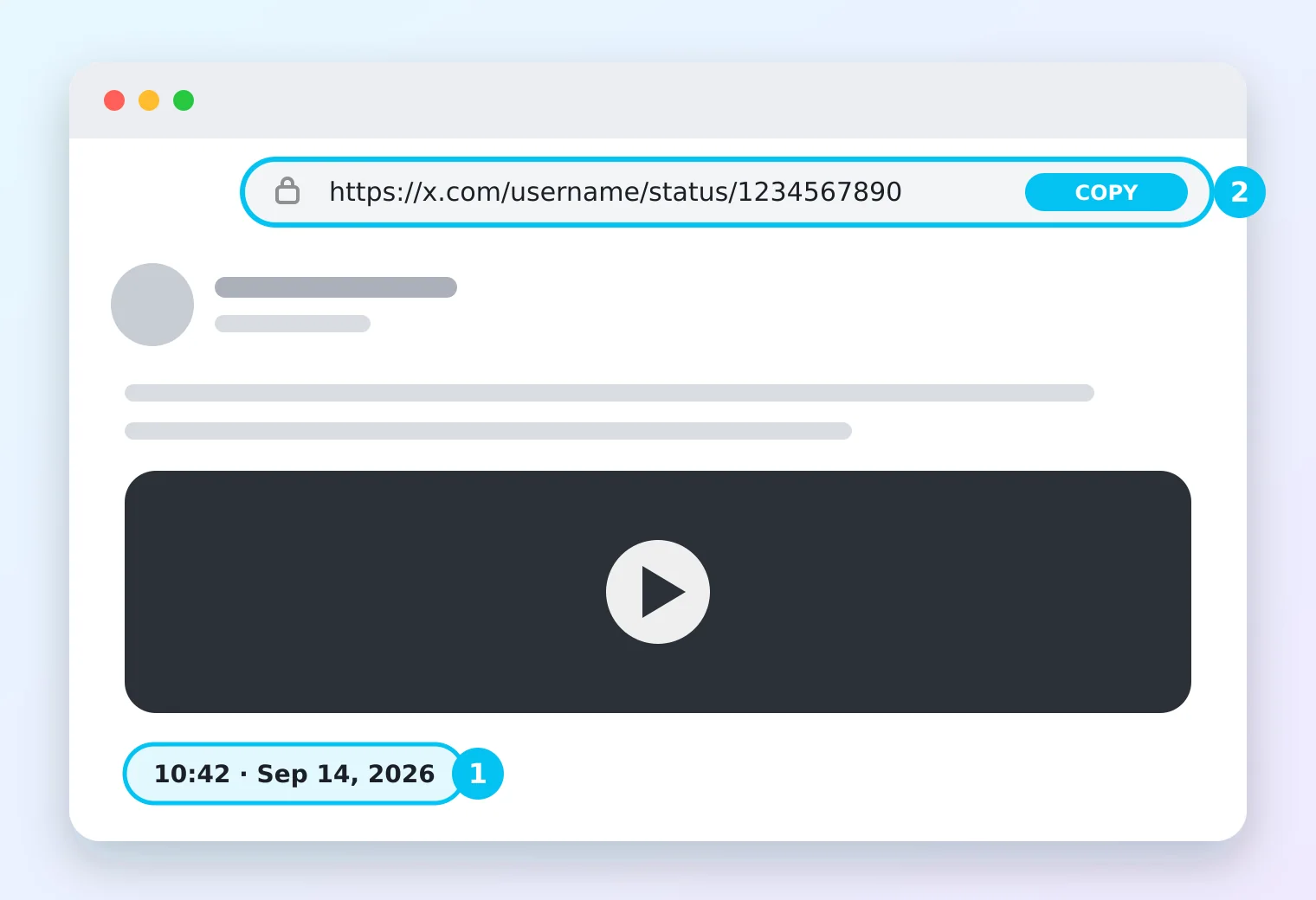
Click the post’s timestamp to open it, then copy the address from the browser’s address bar. It looks like https://x.com/username/status/1234567890.
Which links work?
Links from x.com, twitter.com and mobile.twitter.com all work. Extra parts at the end such as ?s=20 are removed automatically.

Once the link is copied, paste it into the Twitter video downloader. If the post has a GIF, the Twitter GIF downloader page explains why it saves as MP4.